TPEngineMonitor Demo
Use this link to download and install test App for Android, from your Android device:
Download latest APK for Android devices
See the app runnning: App running video
To run the demo, you will need both the APK file for the Android app, and the flash file for the ESP32.
APK File for Android App
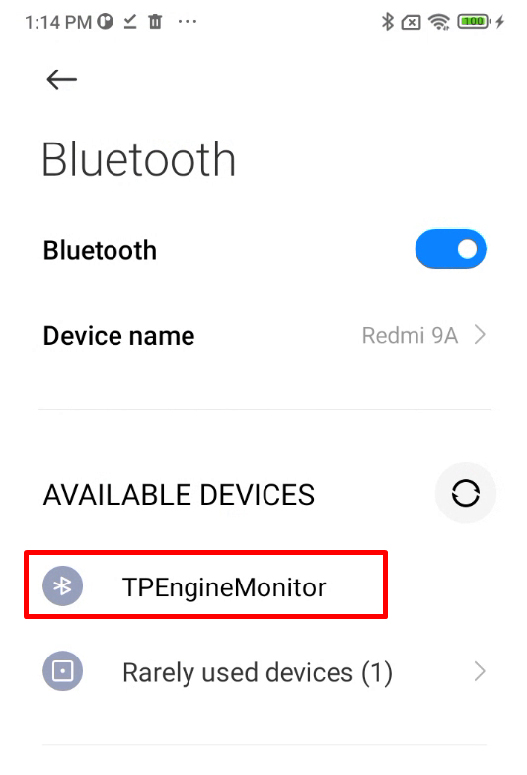
Before running the demo app, please make sure that the ESP32 device is visible in your Bluetooth devices, but don't try to pair with it:
Installation Notes:
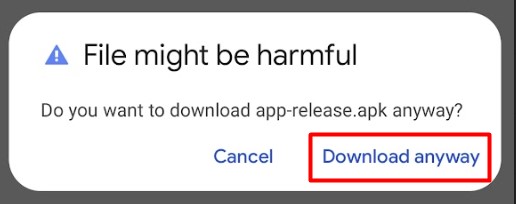
1. When you click the download, you may get a message that the app may be harmful. Click Download Anyway to proceed:
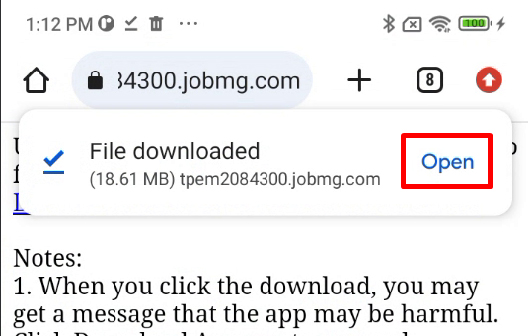
2. When the file has been downloaded, choose to Open it:
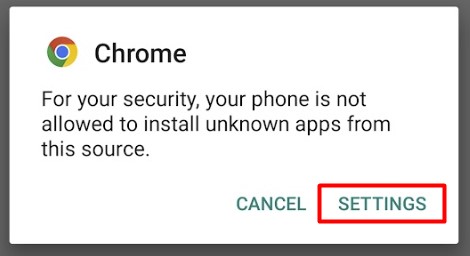
3. Chrome may give you warnings that you need to change settings. Click on Settings:
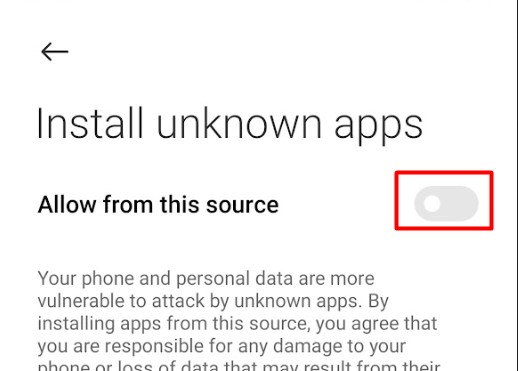
4. If you had to click Settings, you may now need to enable the Install Unknown Apps options, by clicking on the button to enable it:
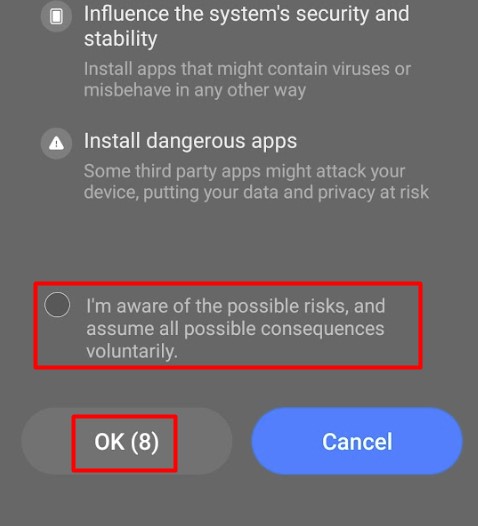
5. You will need to confirm your changes. Just accept the options and click OK:
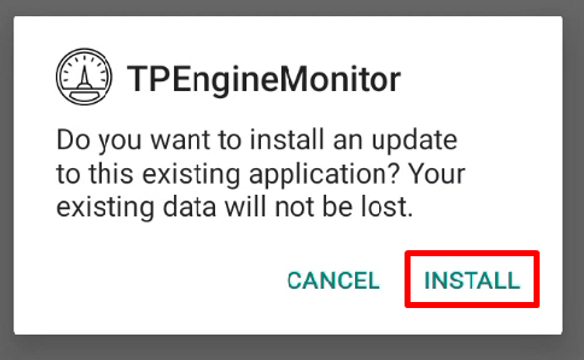
6. You should eventiually be asked if you want to install Transport. Click Install
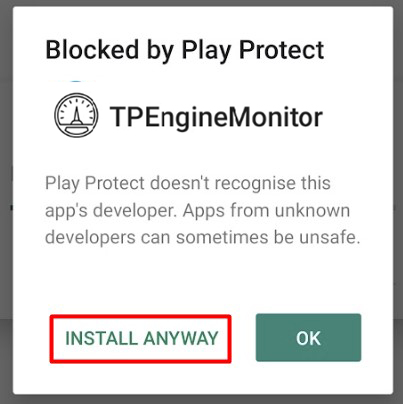
7. You may get another message the app is blocked. Select to install anyway:
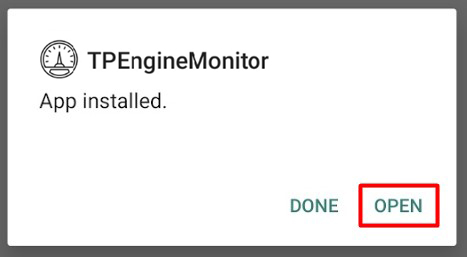
8. Eventually, you should get a message that the app was installed:
When you are done with the app, you can Uninstall it like any other Android app.
Flash file for the ESP32
You will need to use the Arduino IDE, with ESP32 support added to build the bin files to upload to your ESP32 device, for the Android App to work properly.
Download the .ino file here.